Postgres Patterns
Postgres Connection Pooling on Serverless: The PgBouncer vs Supabase vs Neon Reality Check
Why 100 concurrent Vercel functions kill your database, and the production patterns that scale to 10K connections without breaking your budget.
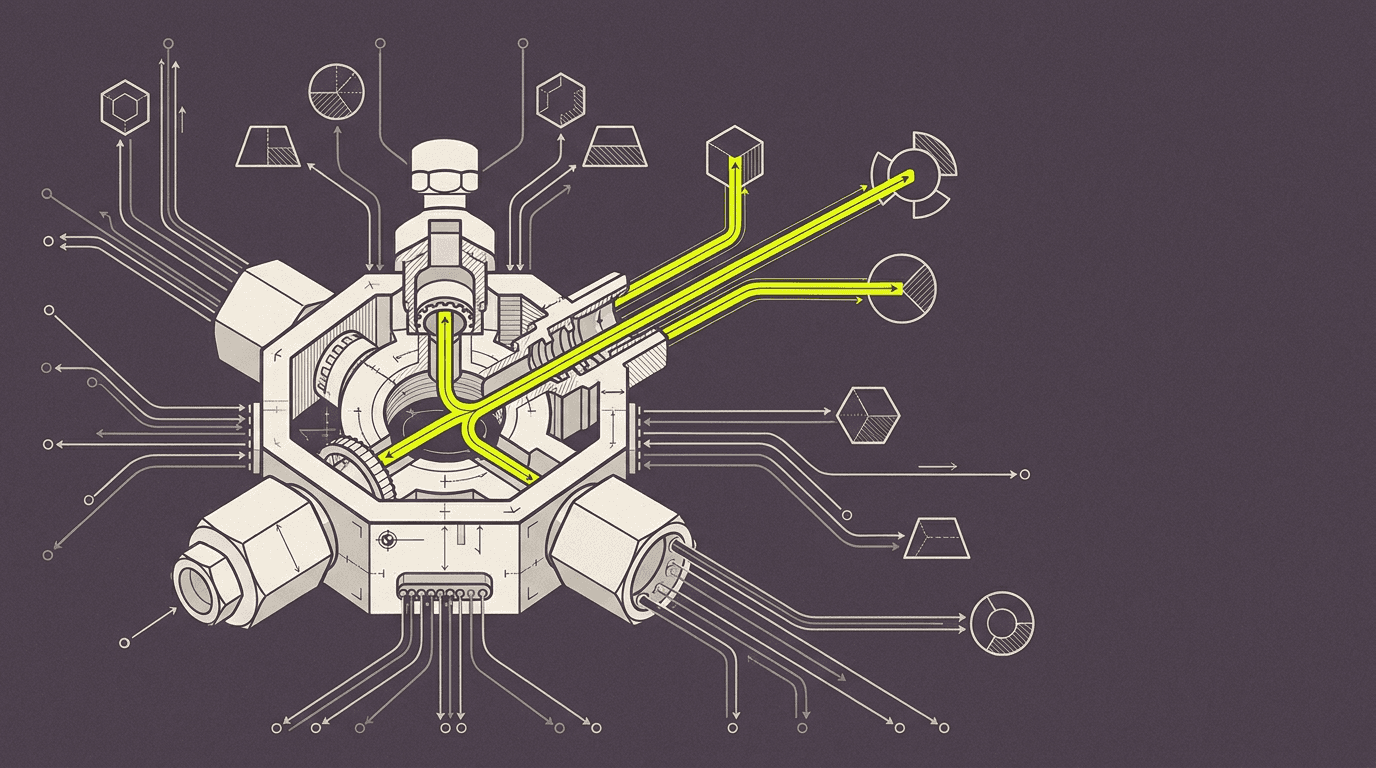
Every serverless Next.js app hits the same Postgres wall: too many connections, not enough pool slots, and a database that stops accepting writes at 2 AM.
Your Next.js app runs fine until it does not. Traffic spikes, Vercel spins up 150 functions, and your Postgres database starts rejecting connections. The error logs fill with "too many clients already" and your checkout stops working. This is the serverless connection problem: every function needs its own database connection, but Postgres was designed for long-lived server processes, not ephemeral functions that spawn and die in seconds.
A standard Postgres instance caps at 100 connections by default. Most managed providers bump this to 200-500 depending on instance size. But serverless platforms like Vercel can spin up hundreds of functions simultaneously during traffic spikes. Each function opens its own connection to your database. The math breaks quickly.
Connection pooling solves this by maintaining a smaller pool of persistent database connections that serverless functions can borrow and return. Instead of 200 functions opening 200 connections, they share 20 pooled connections. The challenge is picking the right pooling strategy for your workload, your budget, and your deployment constraints.
The Serverless Connection Problem: Why 100 Concurrent Functions Kill Your Database
Serverless functions are stateless by design. Every invocation starts fresh, opens new connections, and tears them down when the function completes. This works for HTTP APIs with predictable traffic patterns, but breaks down under three conditions: webhook bursts, user-generated content spikes, and long-running operations like bulk imports or report generation.
We hit this on a Payload + Stripe project where a flash sale triggered 300+ webhook deliveries in under 60 seconds. Each webhook handler opened its own Postgres connection to write order data, inventory updates, and customer records. The database connection limit was 200. Functions 201-300 failed with connection errors, leaving orders in an inconsistent state between Stripe and our inventory system.
The failure mode is predictable: traffic spikes create function spikes, function spikes create connection spikes, and connection spikes kill your database. Recovery requires either scaling up your database instance (expensive, slow) or implementing connection pooling (faster, cheaper, but requires architecture changes).
PgBouncer on Railway: The Self-Managed Option That Scales to 10K Connections
PgBouncer is the industry standard for Postgres connection pooling. It sits between your application and your database, maintaining a pool of persistent connections and routing queries from thousands of clients through a much smaller number of actual database connections. For serverless applications, this means 1000 Vercel functions can share 20 database connections.
We deploy PgBouncer on Railway or Render for most production projects. The setup is straightforward: spin up a small instance, configure PgBouncer with your database credentials, and point your application at the pooler instead of directly at Postgres. The pooler handles connection management, query routing, and connection reuse automatically.
// Database configuration with PgBouncer
const dbConfig = {
  // Direct Postgres connection (bypassed in production)
  direct: {
    host: process.env.POSTGRES_HOST,
    port: 5432,
    database: process.env.POSTGRES_DB,
    user: process.env.POSTGRES_USER,
    password: process.env.POSTGRES_PASSWORD,
  },

  // PgBouncer pooled connection (production default)
  pooled: {
    host: process.env.PGBOUNCER_HOST, // Railway/Render endpoint
    port: 6543, // PgBouncer default port
    database: process.env.POSTGRES_DB,
    user: process.env.POSTGRES_USER,
    password: process.env.POSTGRES_PASSWORD,
    // Critical: set connection limits for serverless
    max: 1, // Each function uses exactly 1 connection
    idleTimeoutMillis: 30000, // Release idle connections quickly
    connectionTimeoutMillis: 5000, // Fail fast on pool exhaustion
  }
}

// Connection string switching based on environment
const connectionString = process.env.NODE_ENV === 'production'
  ? buildConnectionString(dbConfig.pooled)
  : buildConnectionString(dbConfig.direct)
PgBouncer configuration matters for serverless workloads. We set pool_mode to "transaction" (not "session") so connections are returned to the pool immediately after each query completes. This maximizes connection reuse across functions. Default pool size is 25 connections per database user, which handles 500+ concurrent functions without breaking a sweat.
Cost breakdown: Railway charges $5/month for a 512MB instance that runs PgBouncer. This handles 10K+ concurrent connections routing to a 20-connection Postgres pool. Compare this to scaling your database instance to support 500+ direct connections, which typically requires a $200+/month instance upgrade. PgBouncer pays for itself in the first month.
Supabase Pooler vs Neon's Built-In Pooling: Managed Solutions and Their Limits
Managed Postgres providers like Supabase and Neon include built-in connection pooling, eliminating the need to run your own PgBouncer instance. Both use PgBouncer under the hood, but with different configuration defaults and pricing models that affect serverless applications differently.
Supabase provides two connection modes: direct connections for long-running operations and pooled connections for serverless functions. The pooler runs in transaction mode by default, which works well for Next.js Server Actions and API routes. Connection limits depend on your plan: 60 pooled connections on the free tier, 200 on Pro ($25/month), and 500+ on Team plans.
Neon takes a different approach with automatic connection pooling that scales based on compute units. Their pooler handles up to 10K concurrent connections on paid plans, routing them through a smaller pool of actual database connections. The key advantage is transparent scaling — you do not need to configure pool sizes or worry about connection limits until you hit their platform caps.
Supabase pooler: 60-500 connections depending on plan, manual pool configuration, $25+/month
Neon pooler: 10K+ connections on paid plans, automatic scaling, $19+/month compute-based pricing
Self-managed PgBouncer: unlimited connections, full configuration control, $5/month hosting + setup time
The managed option wins for teams that want zero pooling configuration. The self-managed option wins for teams that need custom pool settings, multiple database routing, or want to minimize vendor lock-in. Both beat direct connections for any serverless application handling more than 50 concurrent requests.
Connection Pooling for Write-Heavy Workloads: Webhooks, Real-Time Updates, and Bulk Operations
Write-heavy workloads stress connection pools differently than read-heavy applications. Webhooks from payment processors, user-generated content uploads, and bulk data imports create sustained write pressure that can exhaust pool connections if not handled correctly.
The pattern we ship for webhook handlers: open connection, start transaction, write all related records, commit transaction, close connection. This keeps the connection pool slot occupied for the minimum time necessary. Avoid keeping connections open across multiple async operations or external API calls.
// Webhook handler with efficient connection usage
export async function POST(request: Request) {
  const payload = await request.json()
  const signature = request.headers.get('stripe-signature')

  // Verify webhook before touching database
  const event = stripe.webhooks.constructEvent(
    JSON.stringify(payload),
    signature!,
    process.env.STRIPE_WEBHOOK_SECRET!
  )

  // Single transaction for all related writes
  const client = await pool.connect()
  try {
    await client.query('BEGIN')

    if (event.type === 'checkout.session.completed') {
      const session = event.data.object as Stripe.Checkout.Session

      // Write order, update inventory, create customer record
      await client.query(
        'INSERT INTO orders (stripe_session_id, amount, status) VALUES ($1, $2, $3)',
        [session.id, session.amount_total, 'confirmed']
      )

      await client.query(
        'UPDATE products SET inventory = inventory - 1 WHERE id = $1',
        [session.metadata?.product_id]
      )

      await client.query(
        'INSERT INTO customers (email, stripe_customer_id) VALUES ($1, $2) ON CONFLICT (email) DO NOTHING',
        [session.customer_email, session.customer]
      )
    }

    await client.query('COMMIT')
    return Response.json({ received: true })

  } catch (error) {
    await client.query('ROLLBACK')
    throw error
  } finally {
    client.release() // Critical: return connection to pool
  }
}
For bulk operations like CSV imports or report generation, we batch writes and use prepared statements to minimize connection pool pressure. A 10K row import becomes 100 batches of 100 rows each, with connection release between batches. This prevents long-running operations from starving the pool.
The Edge Case That Breaks Every Pooler: Long-Running Transactions in Server Actions
Next.js Server Actions can hold database connections open for extended periods, especially when combined with external API calls or file uploads. This creates a connection leak that slowly exhausts the pool until new requests start failing.
We hit this on a content management project where editors could upload images, generate AI descriptions, and publish articles through a single Server Action. The action held a database connection open for 15-30 seconds while calling OpenAI and uploading to S3. Under normal load this worked fine, but when multiple editors published simultaneously, the connection pool emptied and the site became unresponsive.
The fix: separate database writes from external API calls. Write the initial record, close the connection, make external calls, then open a new connection to update the record with results. This pattern keeps connection pool slots available even during slow external operations.
// Server Action with connection-efficient pattern
export async function publishArticle(formData: FormData) {
  const title = formData.get('title') as string
  const content = formData.get('content') as string
  const imageFile = formData.get('image') as File

  // Step 1: Create draft record, release connection immediately
  const { articleId } = await db.transaction(async (tx) => {
    const [article] = await tx.insert(articles).values({
      title,
      content,
      status: 'processing',
      createdAt: new Date()
    }).returning({ id: articles.id })

    return { articleId: article.id }
  })

  // Step 2: External operations (no database connection held)
  const [imageUrl, aiDescription] = await Promise.all([
    uploadToS3(imageFile),
    generateDescription(content) // OpenAI call
  ])

  // Step 3: New connection for final update
  await db.update(articles)
    .set({
      imageUrl,
      description: aiDescription,
      status: 'published',
      publishedAt: new Date()
    })
    .where(eq(articles.id, articleId))

  revalidatePath('/articles')
  return { success: true, articleId }
}Monitoring Connection Usage: The Postgres Queries That Prevent Midnight Outages
Connection pool exhaustion happens gradually, then suddenly. Monitoring connection usage prevents the 2 AM outage where your database stops accepting new connections and your application becomes unresponsive.
The key metrics: active connections, idle connections, and connection wait time. Postgres exposes these through the pg_stat_activity view. We query this every 30 seconds and alert when active connections exceed 80% of the configured limit.
-- Monitor connection usage and identify bottlenecks
SELECT
  count(*) as total_connections,
  count(*) FILTER (WHERE state = 'active') as active_connections,
  count(*) FILTER (WHERE state = 'idle') as idle_connections,
  count(*) FILTER (WHERE state = 'idle in transaction') as idle_in_transaction,
  max(now() - query_start) as longest_running_query,
  max(now() - state_change) as longest_idle_connection
FROM pg_stat_activity
WHERE datname = current_database();

-- Identify connection-hogging queries
SELECT
  pid,
  usename,
  application_name,
  client_addr,
  state,
  now() - query_start as query_duration,
  query
FROM pg_stat_activity
WHERE state != 'idle'
  AND query_start < now() - interval '30 seconds'
ORDER BY query_start ASC;
For PgBouncer monitoring, the SHOW STATS and SHOW POOLS commands reveal pool utilization, query throughput, and connection wait times. We export these metrics to Grafana and alert when pool utilization exceeds 90% or when queries start queueing.
Connection leak detection: any connection idle in transaction for more than 60 seconds indicates a code path that opened a transaction but failed to commit or rollback. These connections stay locked until manually killed, gradually exhausting the pool. The monitoring query above catches these before they become critical.
Cost Breakdown: Self-Managed PgBouncer vs Managed Pooling at 50K Requests/Day
At 50K requests per day with 10% write operations, your application generates roughly 35 concurrent connections during peak hours. This workload fits comfortably within most connection pooling solutions, but the cost differences are significant over time.
Self-managed PgBouncer on Railway: $5/month hosting + 2 hours setup time + ongoing maintenance
Supabase Pro with pooling: $25/month + zero setup time + managed updates and monitoring
Neon Scale plan: $19/month + automatic scaling + zero configuration + usage-based overage
Direct connections (no pooling): $0 extra cost until you hit connection limits, then $200+/month database upgrade
The self-managed option wins on pure cost but requires PostgreSQL and PgBouncer expertise. Managed pooling costs 4-5x more but eliminates operational overhead. Both options pay for themselves compared to scaling your database instance to handle direct connections.
Hidden costs: connection pool exhaustion debugging typically costs 8-16 engineering hours when it first happens. Managed pooling providers include monitoring and alerting that catches pool exhaustion before it becomes an outage. Self-managed setups require custom monitoring or risk discovering connection limits during traffic spikes.
Production Patterns: Connection String Switching and Failover Strategies
Production applications need connection pooling redundancy. If your pooler goes down, your application should fall back to direct database connections (with reduced capacity) rather than failing completely.
We implement connection string switching through environment variables that can be updated without code deployment. The application tries the pooled connection first, then falls back to direct connection if the pooler is unavailable. This pattern has saved multiple client projects during pooler maintenance windows.
// Connection failover with automatic retry
class DatabasePool {
  private pooledConfig: PoolConfig
  private directConfig: PoolConfig
  private currentPool: Pool | null = null
  private usePooler: boolean = true

  constructor() {
    this.pooledConfig = {
      connectionString: process.env.PGBOUNCER_URL,
      max: 1, // Serverless: one connection per function
      idleTimeoutMillis: 30000,
      connectionTimeoutMillis: 5000
    }

    this.directConfig = {
      connectionString: process.env.DATABASE_URL,
      max: 1,
      idleTimeoutMillis: 10000,
      connectionTimeoutMillis: 10000
    }
  }

  async getConnection(): Promise<PoolClient> {
    if (!this.currentPool) {
      this.currentPool = new Pool(
        this.usePooler ? this.pooledConfig : this.directConfig
      )
    }

    try {
      const client = await this.currentPool.connect()
      return client
    } catch (error) {
      if (this.usePooler && error.code === 'ECONNREFUSED') {
        console.warn('PgBouncer unavailable, falling back to direct connection')
        this.usePooler = false
        this.currentPool = new Pool(this.directConfig)
        return await this.currentPool.connect()
      }
      throw error
    }
  }
}

export const db = new DatabasePool()
For high-availability setups, we run PgBouncer in multiple regions with DNS failover. If the primary pooler becomes unavailable, DNS switches to a secondary pooler in a different region. This adds complexity but eliminates pooler downtime as a single point of failure.
Need help implementing connection pooling for your serverless application?Tell us what you are scalingand we will walk through the right pooling strategy for your traffic patterns and budget.
On every Next.js + Postgres project we ship, we configure connection pooling from day one — either through managed providers or self-hosted PgBouncer. The pattern prevents connection exhaustion before it becomes a production issue, and the monitoring catches pool pressure before it affects users. Connection pooling is not optional for serverless applications; it is the difference between a system that scales gracefully and one that falls over during your biggest traffic day.
// Nakon razgovora
Pitanja koja operateri postave sljedeća
Does PgBouncer work with Postgres features like prepared statements and transactions?
Yes, but configuration matters. Use transaction pooling mode (not session mode) for serverless applications. Prepared statements work within single transactions but don't persist across pooled connections. Long transactions should be avoided as they tie up pool slots.
How many concurrent Vercel functions can a typical connection pool handle?
A 20-connection PgBouncer pool can handle 500+ concurrent serverless functions if queries complete quickly (under 100ms). Write-heavy workloads with longer transactions reduce this to 100-200 concurrent functions. Monitor pool utilization to find your actual limits.
What happens when the connection pool is exhausted?
New connection requests queue up to a timeout limit (typically 5-30 seconds), then fail with connection timeout errors. Your application should handle these gracefully with retry logic or circuit breakers. Pool exhaustion usually indicates either traffic spikes or connection leaks in application code.
Is connection pooling necessary for read-heavy applications?
Yes, but less critical than for write-heavy workloads. Read queries typically complete faster and don't hold locks, so pools can handle higher concurrency. However, any serverless application that can scale beyond your database's connection limit needs pooling — regardless of read/write ratio.
Can I use connection pooling with Prisma or Drizzle ORM?
Yes, both ORMs support connection pooling through connection string configuration. Point the ORM at your pooler URL instead of direct database URL. Prisma's connection pooling feature is separate and complements external poolers like PgBouncer.
How do I migrate from direct connections to pooled connections?
Deploy your pooler, update connection strings in staging, test thoroughly, then update production environment variables. No code changes needed if you're using standard Postgres clients. Plan for a brief maintenance window to switch connection strings and restart functions.
Izdvojen citat
A standard Postgres instance caps at 100 connections. One viral webhook can spin up 200 Vercel functions. The math does not work.