 By Krešimir GalićFounder, Front Tribe
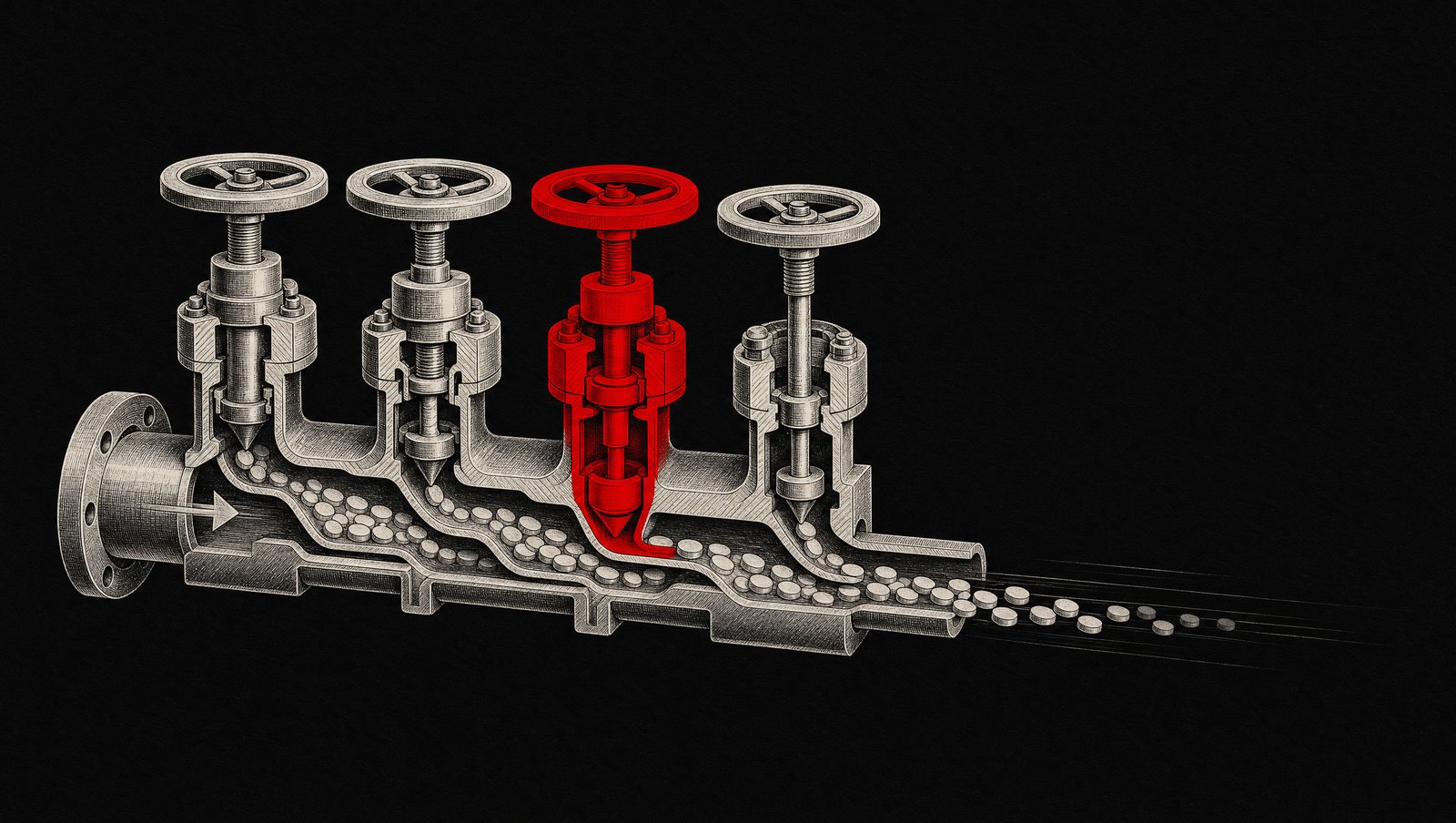
A pg_dump cron to S3 is a backup the way a sealed fire extinguisher is a fire plan. Here is the WAL archiving + PITR shape we ship on Payload + Next.js deploys, the two Payload-specific traps, and the monthly restore drill with real RPO/RTO numbers.

TheonlyPostgresbackupthatcountsisoneyouhaverestoredfrom,onaclock.
Every Payload CMS deployment we inherit has the same disaster recovery story: a cron job running pg_dump at 03:00, gzipped into S3, retention 30 days, and a README line that says "backups handled." Nobody has ever restored one. Nobody knows how long a restore takes. And the architecture quietly accepts up to 24 hours of data loss on the worst possible day — the day someone runs an unscoped UPDATE against the wrong environment at 14:37, seven hours after the last dump.
This post is the shape we now ship by default on every Payload + Next.js project backed by managed Postgres (Neon, Supabase, or RDS): WAL archiving for point-in-time recovery, a one-page restore runbook, and a monthly drill where we actually restore to a random timestamp and time it. It is less exotic than it sounds, it costs almost nothing, and it is the difference between "we lost seven hours of orders and editorial work" and "give us forty minutes."
The 14: 37 problem: what a nightly dump actually promises
A nightly pg_dump gives you one recovery point per day. Your RPO (recovery point objective — how much data you can lose) is therefore "up to 24 hours," and your RTO (recovery time objective — how long you are down) is "however long it takes to provision a database, transfer a multi-gigabyte dump, replay it, and redeploy." On the projects we have audited, that second number has never been measured. When we measure it during onboarding, it lands between 90 minutes and 6 hours depending on database size and whether the S3 credentials in the runbook still work.
The failure mode that taught us this was not a disk failure — managed Postgres almost never loses your data that way. It was a developer running a data-fix script against production instead of staging because two browser tabs looked identical. The UPDATE touched 40,000 rows in a Payload collection. The nightly dump was 11 hours stale. The fix was a day of manual row reconstruction from application logs. That is the incident shape PITR exists for: not meteor strikes, but fat-fingered writes, bad migrations, and integration jobs gone wrong — events where you know the exact minute things went sideways and want the database back to 14:36.
What PITR actually is — and what your provider already gives you
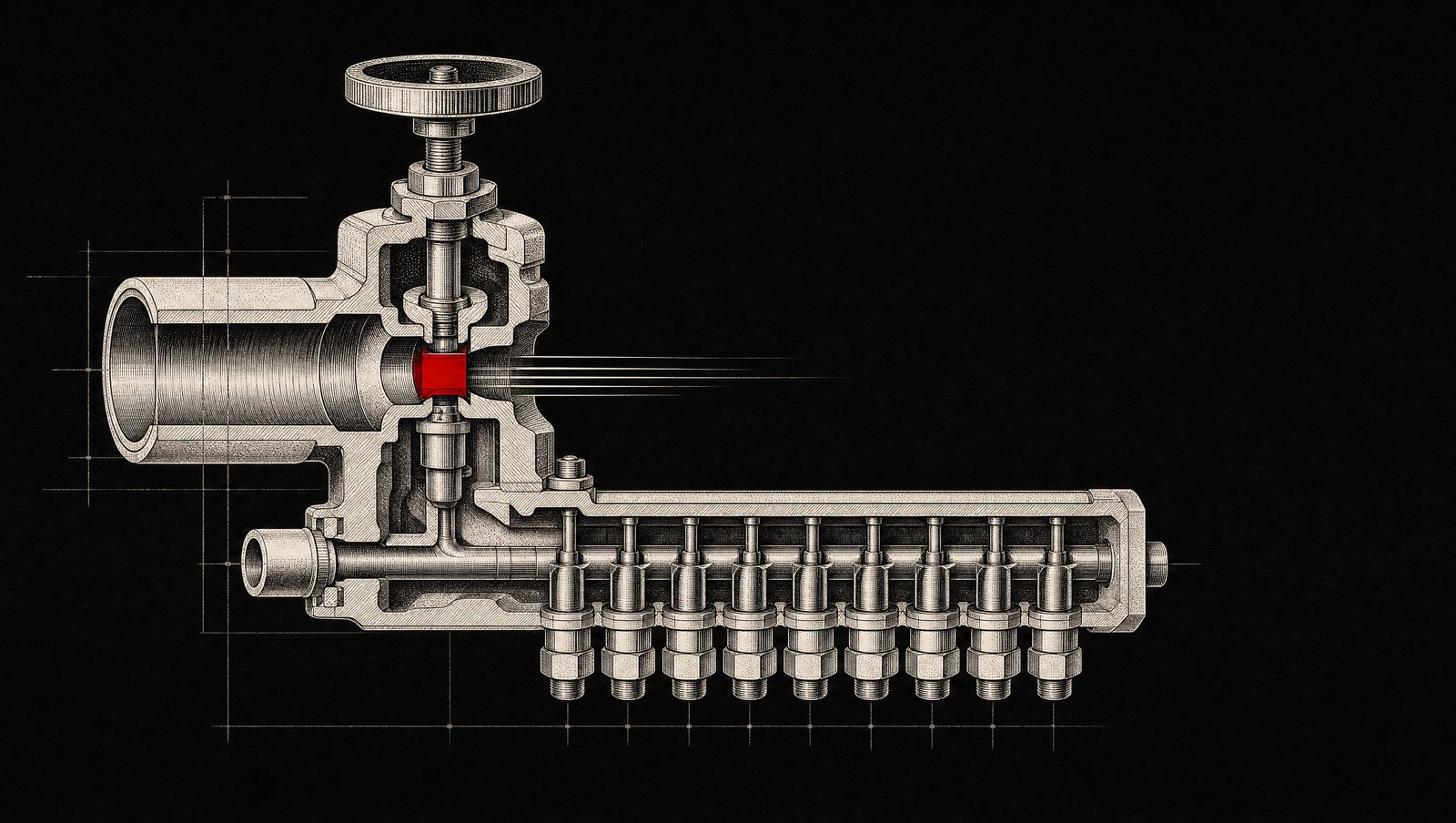
Point-in-time recovery is two things working together: a base backup (a consistent snapshot of the data directory) plus a continuous stream of WAL (write-ahead log) segments — every change Postgres was about to make, archived as it happens. Restore means: load the base backup, replay WAL up to a target timestamp, stop. Your RPO collapses from 24 hours to the WAL archiving lag, typically under a minute. The PostgreSQL continuous archiving docs describe the mechanism; the operational question is who runs it for you.
Neon · PITR is built in via history retention — 24 hours on lower tiers, up to 30 days on Scale. Restore is a branch-from-timestamp operation, which is genuinely excellent: you get a rewound database as a new branch without touching production.
Supabase · PITR is an add-on on Pro and above, priced per database size. Without it you get daily backups only — the same 24-hour RPO trap with a nicer dashboard. Enable it explicitly; it is not on by default.
RDS · automated backups with WAL archiving give you restore-to-any-second within the retention window (up to 35 days). It is on if automated backups are on. The catch: restore always creates a new instance, so your RTO includes a DNS/connection-string swap.
Self-managed / other · you wire WAL-G or pgBackRest yourself: base backup to S3 on a schedule, WAL segments streamed continuously. More moving parts, same primitives.
The wrong way we keep inheriting
The inherited setup is almost always the same three silent failure modes stacked on each other:
Corrupt or incomplete dumps, discovered late. pg_dump exits non-zero, the cron mails root, nobody reads root's mail. We have found "working" backup jobs whose last successful dump was four months old.
Restore times nobody has measured. A 40 GB dump replayed into a fresh instance with default settings can take hours. If your runbook says "restore the backup" without a timed rehearsal, your RTO is a guess.
Credentials and runbooks that rotted. The S3 access key was rotated during a security review; the restore script still uses the old one. The person who wrote the runbook left in March.
None of these are exotic. All three are the default state of an untested backup pipeline, which is why our stance is absolute: a backup you have not restored from is a hypothesis, not a backup.
The shape we ship: WAL archiving + a one-page runbook
On managed providers the heavy lifting is a settings change, so the real deliverable is the runbook and the drill. On self-managed Postgres (or when a client wants provider-independent recovery), we wire WAL-G directly. The config shape we ship looks like this:
# WAL-G environment — shipped as part of the infra repo, not tribal knowledgeexport WALG_S3_PREFIX=s3://acme-pg-wal/prodexport AWS_ACCESS_KEY_ID=...export AWS_SECRET_ACCESS_KEY=...export PGHOST=10.0.1.20 PGUSER=postgres # Nightly base backup (WAL segments stream continuously via archive_command)wal-g backup-push $PGDATA # Retention: keep 14 days of base backups + WAL, always verifiedwal-g delete retain FULL 14 --confirm # The restore, to a specific minute — this is the line the runbook is built aroundwal-g backup-fetch /var/lib/postgresql/restore LATEST# then in recovery.signal / postgresql.auto.conf:# restore_command = 'wal-g wal-fetch %f %p'# recovery_target_time = '2025-11-04 14:36:00+01'# recovery_target_action = 'promote'The runbook itself is one page, stored in the repo and pinned in the team's incident channel: who can declare a restore, the exact target-timestamp decision rule ("last known good minute before the incident, minus two minutes of margin"), the commands, and the connection-string swap steps. One page. If it does not fit on one page, it will not be followed at 14:40 under pressure.
Payload trap #1: restoring into a deploy with pending migrations
Here is the Payload-specific problem generic PITR guides never mention: Payload owns its schema through migrations, and the code you have deployed expects the schema at migration N. If the incident happened after a deploy that ran migrations, and you restore the database to before that deploy, your running code is now ahead of the database. Payload will attempt to run pending migrations on boot — or worse, serve queries against tables that do not exist yet in the rewound snapshot.
Our sequencing rule, written into the runbook: restore the database first, then deploy the code revision that matches it. In practice that means the runbook records, for every deploy, the migration state — which Payload makes easy because migrations are just files in the repo. The restore procedure checks out the git ref whose migrations/ directory matches the restored point in time, deploys that, verifies boot, and only then replays forward if needed.
// scripts/verify-restore.ts — run as the first step after a PITR restore,// before traffic is allowed back. Exits non-zero if code and DB disagree.import { getPayload } from 'payload'import config from '../src/payload.config' const payload = await getPayload({ config }) // Payload tracks applied migrations in the `payload-migrations` table.const { docs: applied } = await payload.find({ collection: 'payload-migrations', sort: '-createdAt', limit: 1, depth: 0,}) const latestApplied = applied[0]?.nameconsole.log(`DB is at migration: ${latestApplied}`) // Compare against the migrations directory of the currently deployed ref.// If the DB is AHEAD of the code, booting is unsafe — abort the cutover.const fs = await import('node:fs')const localMigrations = fs.readdirSync('./src/migrations').sort()if (!localMigrations.some((f) => f.startsWith(latestApplied))) { console.error( `RESTORE MISMATCH: database is at ${latestApplied}, ` + `but this deploy does not contain it. Deploy the matching ref first.`, ) process.exit(1)}console.log('Schema drift check passed — safe to boot.')That 30-line script has one job: stop a well-meaning engineer from pointing current code at a rewound database and letting Payload "helpfully" migrate it forward again, re-applying the very schema change that caused the incident. We hit a version of this on a project where a restore was followed by an automatic payload migrate on boot — the bad migration ran twice, and the second run was not idempotent. The check now runs before every restore cutover.
Payload trap #2: your media is not in Postgres
The second trap: Payload's uploads live in S3 or R2, while the media collection rows live in Postgres. PITR rewinds the database. It does nothing to the bucket. Restore to 14:36 and every upload created between 14:36 and now becomes an orphaned object; worse, if the incident or cleanup deleted objects, the rewound database references files that no longer exist — broken images across the site with perfectly healthy-looking database rows.
Our answer is unglamorous and effective: versioning on the media bucket, plus a 30-day lifecycle rule on deleted versions. S3 versioning means "deleted" objects are recoverable for the same window as the PITR retention, so the two restore clocks roughly align. After any restore, we run a reconciliation pass — a script that walks the media collection and HEADs each object's key, logging rows whose files are missing. On a 10,000-asset library this takes a few minutes and produces a concrete list instead of a slow drip of broken-image reports from editors.
// scripts/reconcile-media.ts — post-restore: find media rows whose S3 object is goneimport { S3Client, HeadObjectCommand } from '@aws-sdk/client-s3'import { getPayload } from 'payload'import config from '../src/payload.config' const s3 = new S3Client({ region: 'eu-central-1' })const payload = await getPayload({ config }) let page = 1const missing: string[] = [] for (;;) { const { docs, hasNextPage } = await payload.find({ collection: 'media', limit: 200, page, depth: 0, }) for (const doc of docs) { try { await s3.send( new HeadObjectCommand({ Bucket: process.env.MEDIA_BUCKET!, Key: doc.filename as string }), ) } catch { missing.push(`${doc.id} ${doc.filename}`) } } if (!hasNextPage) break page++} console.log(`Checked archive. Missing objects: ${missing.length}`)if (missing.length) console.log(missing.join('\n'))If you want the connection-side of this stack hardened too, we wrote up the pooling shape separately — the two-port rule for migrations vs runtime is in our Supabase connection pooling field note, and it matters during restores because a restore rehearsal that exhausts your pooler will look like a database failure that is not one.
The monthly restore drill — and the four numbers we log
Everything above is plumbing. The part that makes it a strategy is the drill: once a month, on a calendar invite, we restore production to a random timestamp from the past week into a scratch instance and run the checklist. Random matters — restoring to "yesterday at 03:05" every time rehearses the easy path. The drill logs four numbers into a spreadsheet that predates any incident:
Restore time — base backup fetch + WAL replay to target. Across our Payload projects: 8–40 minutes for databases in the 2–60 GB range on managed providers; WAL-G restores of self-managed instances run slower, 20–90 minutes, dominated by S3 transfer.
Data-loss window — the gap between the target timestamp and the newest committed row we can verify. With provider PITR this is consistently under 60 seconds; we log it anyway because the day it is not, something is misconfigured.
Boot time — scratch instance to Payload admin responding 200, including the migration-drift check. Typically 3–8 minutes.
Row-count diff — a handful of sentinel counts (orders, users, media, the largest content collection) compared against expectations for the target timestamp. This catches the subtle failure: a restore that "worked" but landed on the wrong minute.
Total cost of the drill: about one engineer-hour per month, plus a scratch database that lives for an afternoon. Total cost of the whole setup on managed providers: the PITR add-on (tens of euros per month on Supabase, nothing extra on Neon Scale or RDS beyond storage) plus the hour. Against that, price one day of reconstructed editorial work or a morning of lost orders.
When PITR is overkill — and when it is not enough
Honest scoping: staging environments, brochure sites rebuilt from a CMS export, and anything where a day of data loss is genuinely acceptable can stay on nightly dumps — provided the dumps are monitored and one restore has been rehearsed once. PITR earns its keep the moment the database records money, user-generated content, or editorial work that cannot be re-keyed.
At the other end: if your RTO requirement is under ~15 minutes, PITR alone will not get you there — a restore takes as long as a restore takes. That is when the conversation moves to cross-region read replicas and managed failover, a different budget and a different post. Most Payload content platforms and Medusa storefronts we ship sit comfortably in the PITR band: seconds of data loss, under an hour of downtime, single-digit euros per month.
Backup strategy is one section of the production checklist we run on every Payload engagement. See how we ship and harden Payload CMS platforms.
What we would do for a client in this situation: enable provider PITR in the first week, write the one-page runbook before launch, put the monthly drill on a recurring invite, and log the four numbers somewhere a future incident responder will find them. On every Payload + Postgres project we ship, the restore drill is now part of the definition of done — the pattern has paid for itself the first time someone needed 14:36 back.
If your current backup plan is a cron job and a hope, Tell us what your restore story looks like — we will tell you honestly whether you need PITR, a drill, or just a monitored dump.
Based in Osijek, Croatia. Working with founders in the US and EU since 2022. You talk to the people who build your product, from the first call to long after launch.